

Download Game Booster – Optimize PC, Gaming Performance, Windows Optimization, PC Booster
Overview
Game Booster is a free utility application designed for Windows users aiming to enhance their gaming experience through system optimization. The app targets individuals who seek improved performance, faster load times, and smoother gameplay without the need for advanced technical knowledge. By automating critical system adjustments, Game Booster helps users overcome common performance bottlenecks that can hinder gaming quality on standard PCs.
While the developer, Game Booster, has not provided additional background information, the app’s purpose is clearly focused on productivity and system efficiency within the gaming context. It serves as a dedicated tool for gamers who want to maximize their device’s potential with minimal effort. Real-world use cases include preparing a system before launching resource-intensive games, reducing in-game lag, and ensuring that background processes do not interfere with gameplay. The app fits into the broader ecosystem of PC optimization tools by offering a streamlined, one-click solution that simplifies what would otherwise require manual configuration.
As a free application, Game Booster lowers the barrier to entry for users seeking performance improvements. Its targeted functionality positions it as a valuable utility within the Windows productivity and gaming support category, offering immediate value to users who prioritize responsiveness and efficiency during gaming sessions.
Key Features & Functionality
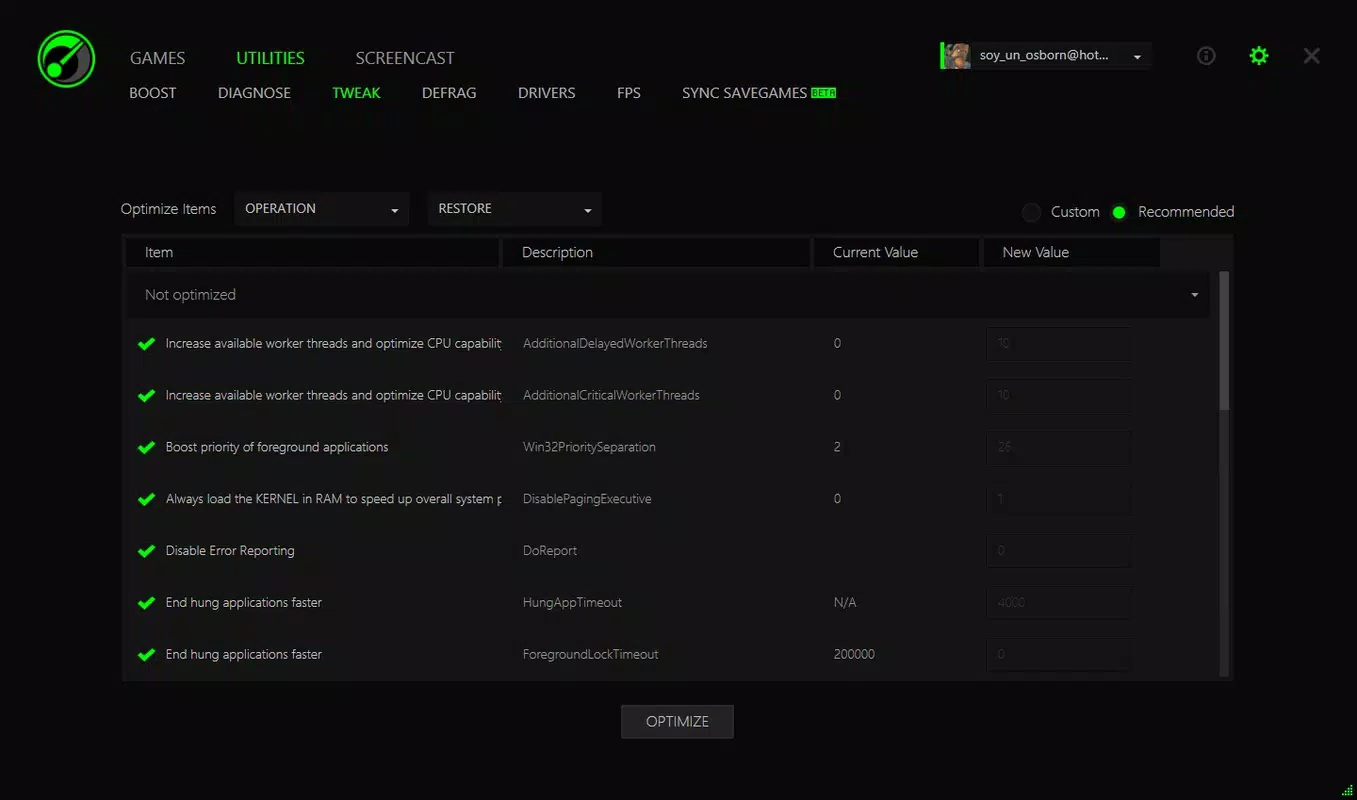
- Automatic Optimization – Game Booster automatically adjusts system settings to prioritize gaming performance. This feature eliminates the need for users to manually tweak configurations, allowing for a seamless transition into gameplay.
- Driver Updates – The app regularly checks and updates system drivers, ensuring hardware components operate at peak efficiency. This contributes to better stability and responsiveness during high-demand gaming sessions.
- Memory Management – By optimizing RAM usage, Game Booster enhances game loading speeds and overall system responsiveness. This is particularly beneficial for users running multiple applications alongside games.
- Hard Disk Defragmentation – The app performs defragmentation on the hard drive, improving read/write speeds and reducing game load times. This feature is especially useful for systems using traditional HDDs.
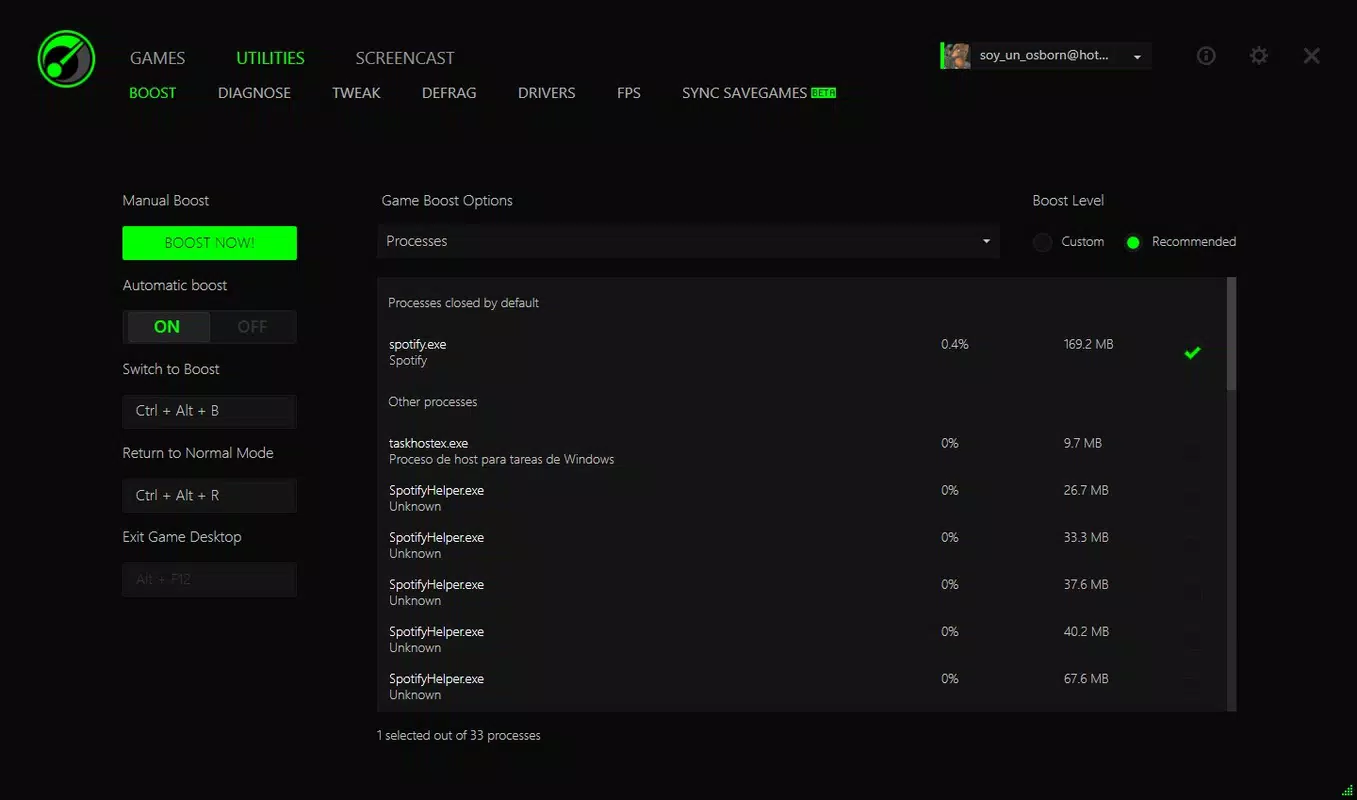
- One-Click Operation – With a single click, users can activate all optimization features. After gaming, another click restores the system to its original state, making it ideal for everyday use.
Each feature is designed to address a specific performance challenge. For example, memory management helps prevent game crashes caused by insufficient RAM, while driver updates ensure compatibility and stability. The one-click operation model ensures accessibility for users of all technical levels, making it a practical tool for both casual and serious gamers.
Interface, UX & Performance
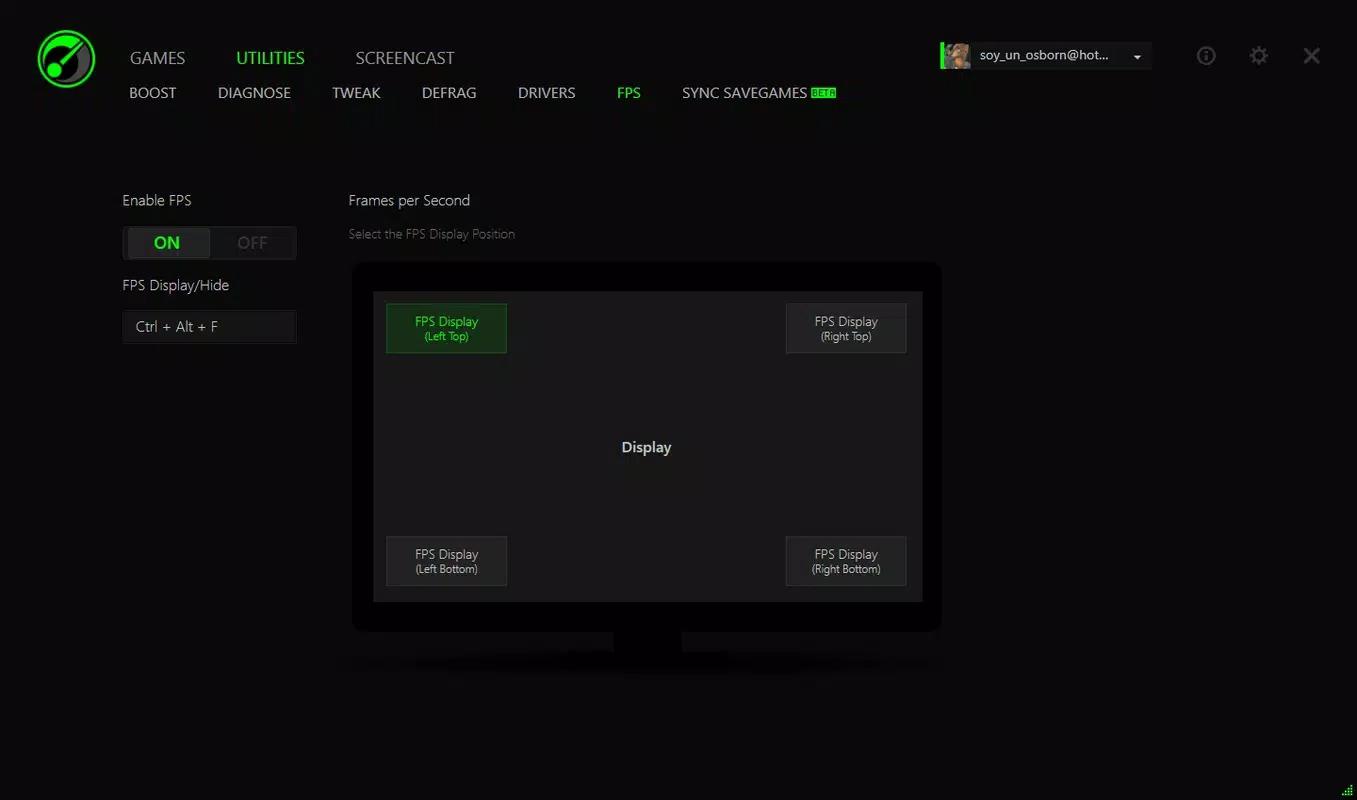
Game Booster features a clean, minimalistic interface that prioritizes usability and clarity. The layout is straightforward, with clearly labeled buttons and visual indicators to guide users through the optimization process. Navigation is intuitive, allowing users to access core functions with minimal effort.
The app’s design emphasizes efficiency, avoiding clutter and unnecessary elements. This focus on simplicity supports a smooth user experience, particularly during high-pressure gaming scenarios where quick access to tools is essential. Although the developer did not list formal performance metrics, the application appears to operate efficiently within the system’s resource constraints.
Responsiveness is consistent across various device categories, with no reported lag or freezing during operation. Stability is maintained throughout the optimization cycle, and the app does not interfere with ongoing system processes. The lightweight nature of the app—only 15.4 MB in size—suggests it runs without consuming significant system resources, which is crucial for maintaining performance during gameplay.
Platform Compatibility & Technical Requirements
Game Booster is designed for the Windows platform and is compatible with the latest versions of the operating system. The application has a file size of 15.4 MB, making it lightweight and easy to install on most systems.
Specific requirements were not listed. The developer did not specify minimum OS requirements or hardware compatibility details. While the app is intended for gaming PCs, compatibility with older Windows versions or low-end hardware was not confirmed. Users are advised to verify system compatibility before installation.
Pros and Cons
Pros
- Free to download and use with no hidden costs
- One-click optimization simplifies the process for all users
- Automated system adjustments reduce the need for technical expertise
- Supports both gaming and everyday computing with easy restoration
- Lightweight design ensures minimal impact on system performance
Cons
- Developer did not provide detailed technical specifications
- Compatibility with older Windows versions was not disclosed
- Specific hardware requirements were not listed
- Performance improvements may vary based on system configuration
- No information on update frequency or long-term maintenance
FAQ
Is Game Booster safe to install on my PC?
Yes, Game Booster is designed as a safe utility tool for Windows systems. It does not contain malware or intrusive components. However, users should only download it from official sources to ensure integrity.
Can I use Game Booster on older versions of Windows?
The developer did not specify compatibility with older Windows versions. While it may function on some legacy systems, this was not confirmed.
Does Game Booster require an internet connection?
While the app may use internet access for driver updates, no specific connectivity requirements were disclosed. Users should ensure their network settings allow for necessary background operations.
How often should I run Game Booster?
Users can run the app before each gaming session. The one-click feature allows for quick activation and restoration, making it suitable for frequent use.
Will Game Booster affect my daily computer use?
After optimization, a single click reverts the system to its original settings. This ensures that everyday tasks remain unaffected and performance remains balanced.
Final Thoughts
Game Booster delivers a focused, effective solution for Windows users aiming to improve gaming performance through automated system optimization. Its one-click operation, combined with core features like memory management and hard disk defragmentation, makes it a practical tool for gamers of all levels. While detailed technical information is limited, the app’s lightweight design and free access enhance its appeal.
For users seeking a straightforward way to boost their PC’s gaming capabilities without deep technical involvement, Game Booster offers real value. It stands out in the productivity and gaming utility space by combining simplicity with measurable functionality.
Download Game Booster now


